
HiVision: the model that sees
HiNow's vision model reads text wherever it's written, understands scenes and returns structured data — up to 30 images per call, straight through the API.
 Start for free
Reads any image
Photos, documents, charts and screens, in any aspect ratio.
Returns data, not prose
JSON in the schema your system expects.
Straight through the API
HiNow's vision engine, inside your product.
You have probably used HiVision without knowing it: it is what sees the images inside HiNow. The answers below are real model outputs, unedited, about images from this very series of pages. The prose around them is translated from the original Portuguese; text read out of an image is kept exactly as it appears there.
It reads what's written — wherever it's written
Text in an image rarely comes clean: it's printed on an uneven surface, creased, at an angle, split across layers of paper. HiVision reads it anyway — and tells you where the text is, too.
We sent it the poster from the HiMegia page:
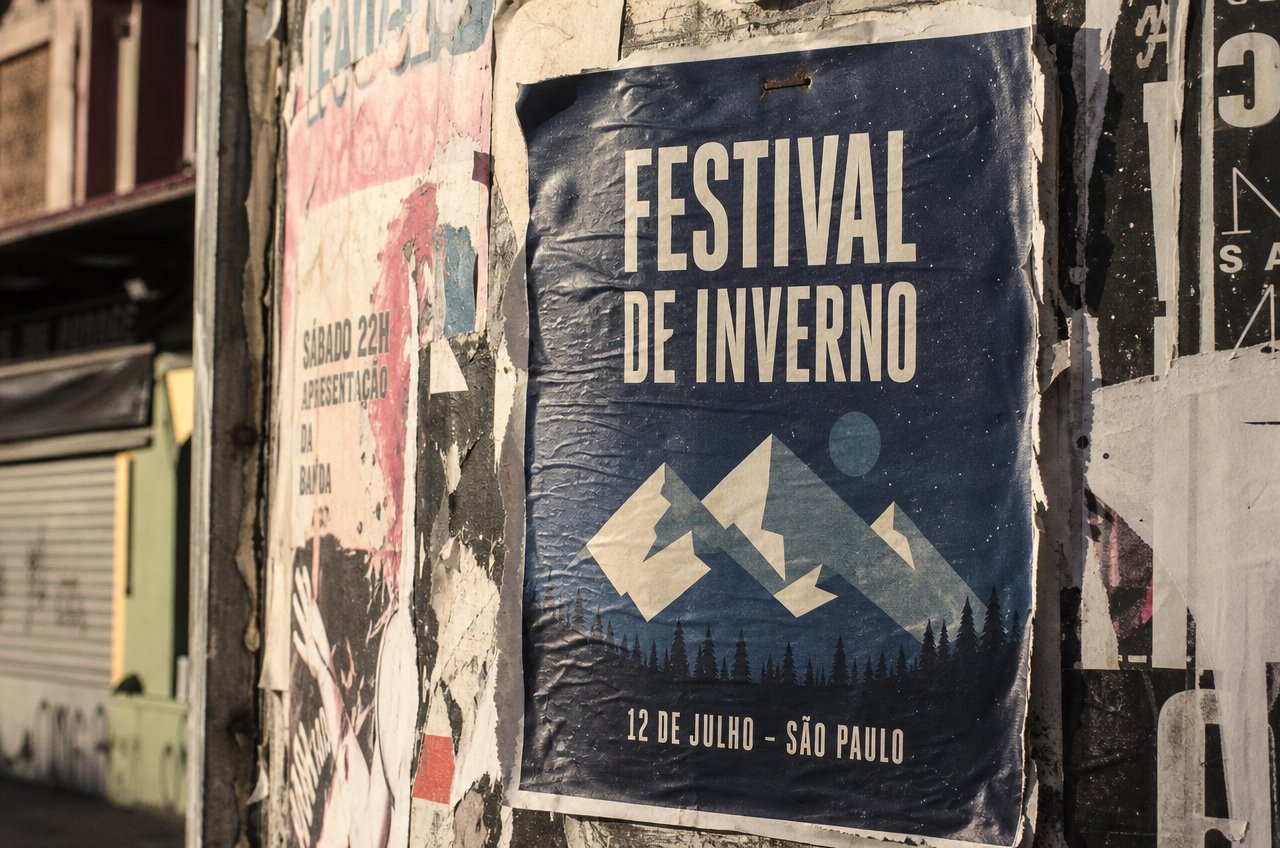
List all legible text in this image, from largest to smallest, and describe in one sentence the physical surface it is printed on.
Hello, I'm HiVision. Here is the legible text in the image, ordered from largest to smallest:

1. **FESTIVAL**
2. **DE INVERNO**
3. **12 DE JULHO - SÃO PAULO**
4. **SÁBADO 22H APRESENTAÇÃO DA BANDA**

The physical surface consists of an uneven urban surface, such as a concrete post or wall, covered by several layers of overlapping paper posters, worn and partly torn by time and weather.
From photo to structured data
Describing is easy. What's genuinely useful is returning the analysis in the format the rest of the system consumes. We asked HiVision to catalog the garment in a runway photo the way an e-commerce would:
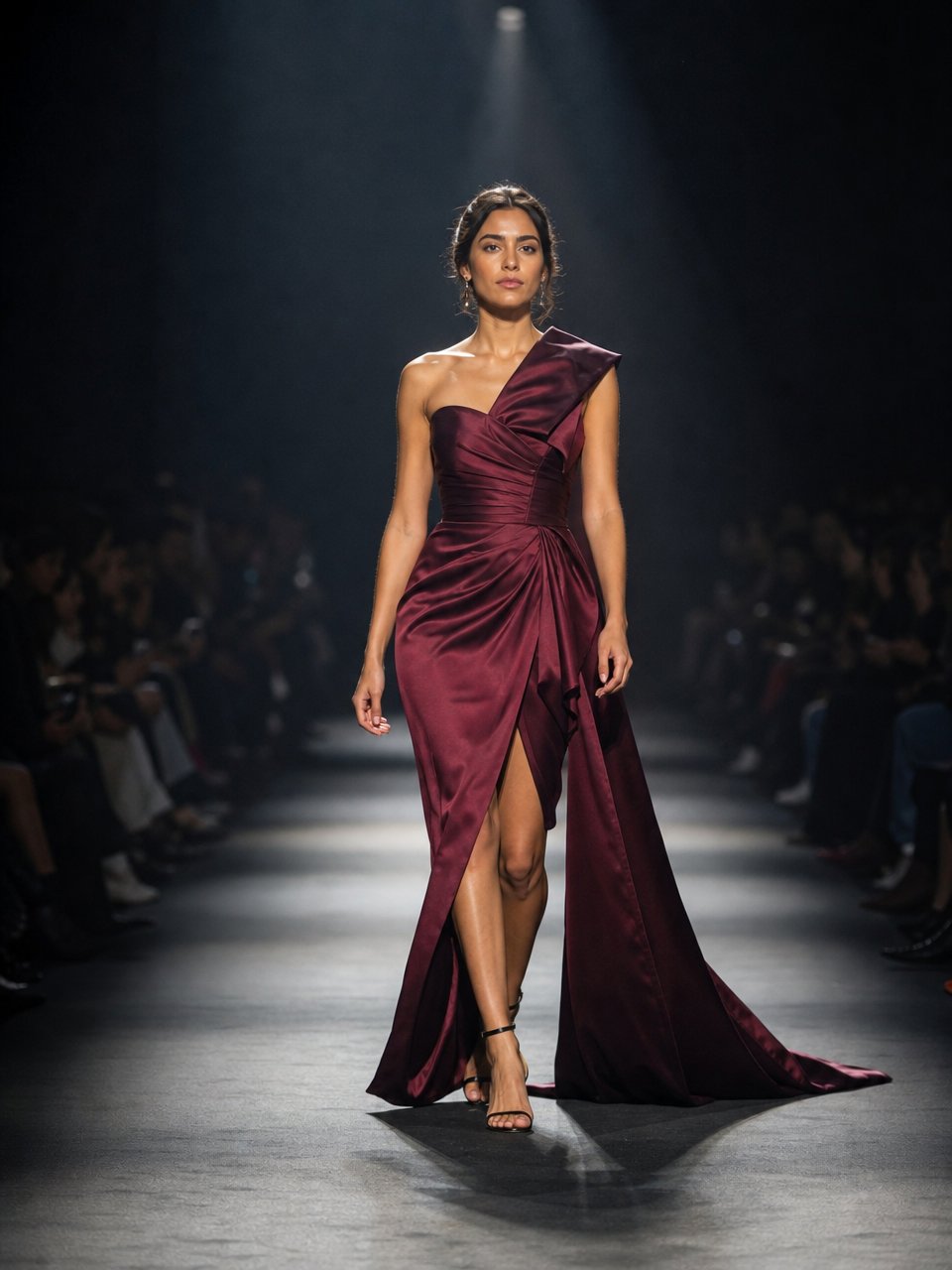
You catalog fashion products from photos. Analyze the main garment and reply ONLY with valid JSON: {"category": "...", "dominant_color": "...", "apparent_fabric": "...", "length": "...", "details": ["..."], "occasion": "...", "catalog_title": "..."}
{
  "category": "Evening Gown",
  "dominant_color": "Burgundy",
  "apparent_fabric": "Satin",
  "length": "Full-length",
  "details": [
    "Asymmetric one-shoulder neckline",
    "High side slit",
    "Fluid, elegant drape"
  ],
  "occasion": "Formal / Fashion Show",
  "catalog_title": "Full-Length Burgundy Satin Gown with One Shoulder and Side Slit"
}The same pattern holds for an invoice, a form, a store shelf, a lab report, a system screen: the instruction defines the schema, HiVision fills it in.
Thirty images at once
A single call accepts up to thirty high-resolution images. That changes the class of problem you can solve:
- Compare — thirty product photos and the question “which ones don't follow the catalog standard?”;
- Audit — the whole batch of documents in a case, in one go;
- Trace — the screens of an onboarding flow, in sequence, looking for where the user gets stuck;
- Consolidate — the photographed pages of a printed report become a single table.
HiNow's vision engine
HiVision doesn't appear in the chat's model list — and that's deliberate. It works underneath: when you attach an image to a conversation, it is what sees it; when the platform processes a document, it is what reads it.
At Imegia, it is what analyzes every uploaded image before any editing — identifying what has to be preserved so HiMegia can transform the rest.
“HiVision understands, HiNova coordinates and HiMegia creates.”
— Alarico Bueno, founder of Imegia
To put that same vision inside your product, the way in is the API.
Technical details
How to call it
HiVision is exposed under the id hinow/hivision, in the OpenAI-compatible format. The image goes as image_url — a public URL or base64 — alongside the instruction:
POST https://api.hinow.ai/v1/chat/completions
Authorization: Bearer YOUR_API_KEY
Content-Type: application/json

{
  "model": "hinow/hivision",
  "temperature": 0,
  "messages": [{
    "role": "user",
    "content": [
      {"type": "image_url", "image_url": {"url": "https://example.com/photo.jpg"}},
      {"type": "text", "text": "your instruction about the image"}
    ]
  }]
}
For numeric analysis or extraction, use temperature: 0. API keys are created at platform.hinow.ai/manage/api-keys.
Limits and capabilities
Context window
262,144 tokens
Maximum output
8,192 tokens
Images per call
up to 30, high resolution
Aspect ratios
any
Structured output
JSON by instruction or response_format
Categories
Image To Text · Text To Text
The portrait of HiVision
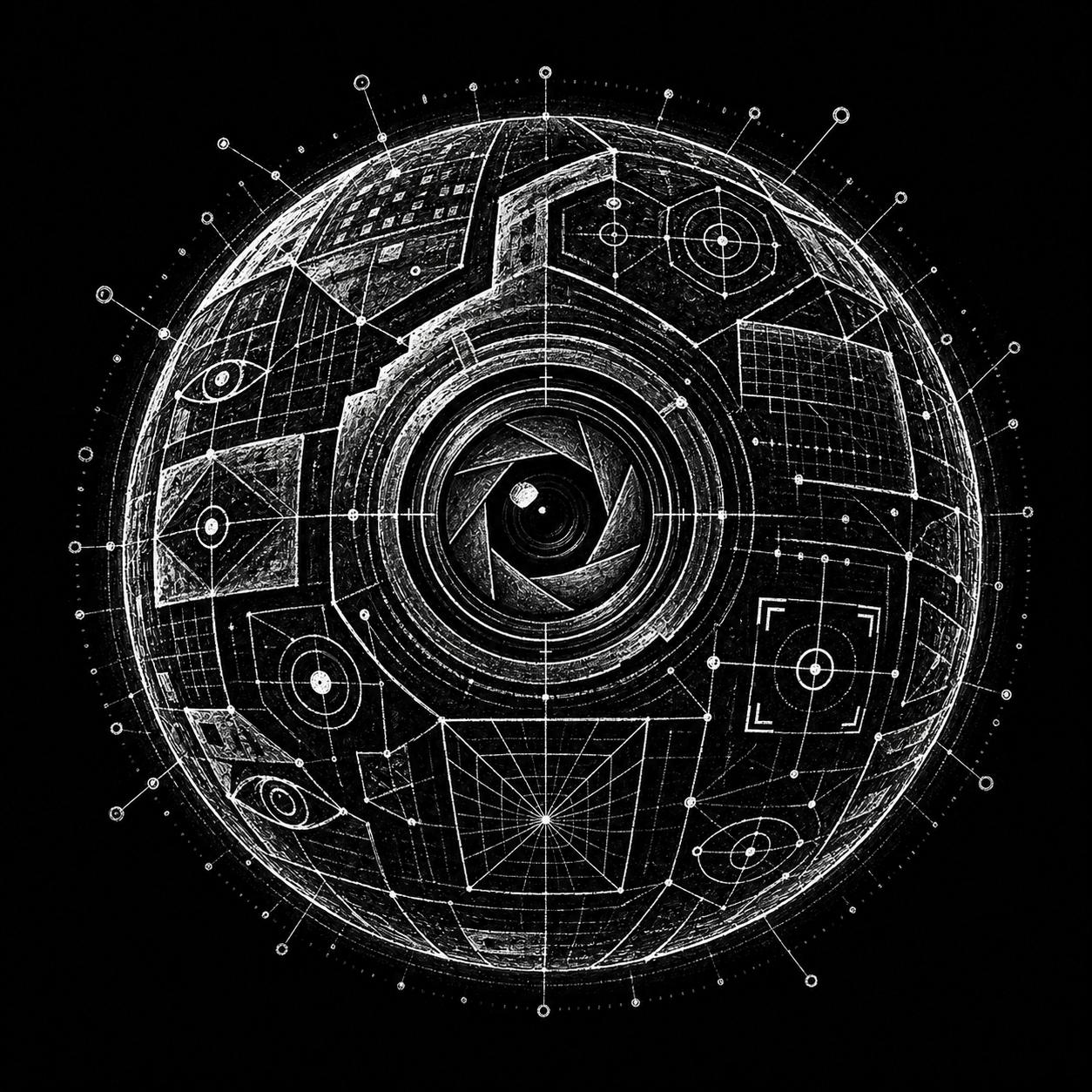
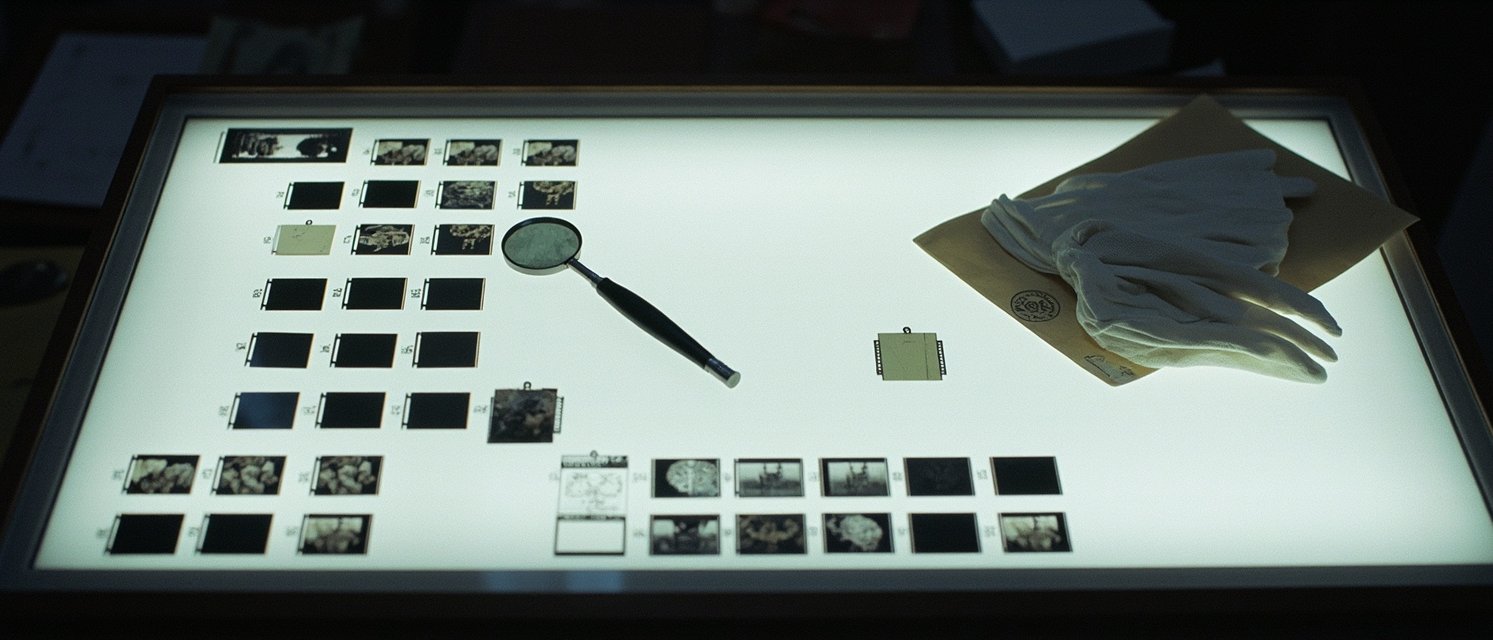
Every model in this series was given a portrait drawn by HiMegia. HiVision's is the light table of a photo archive — where each image is examined up close, with a loupe and a method.
Put vision in your product
HiVision is available through the HiNow API — the same one that already sees the images in the chat and on the platform.